Upload Numbers
Upload your contact numbers directly by uploading a CSV File
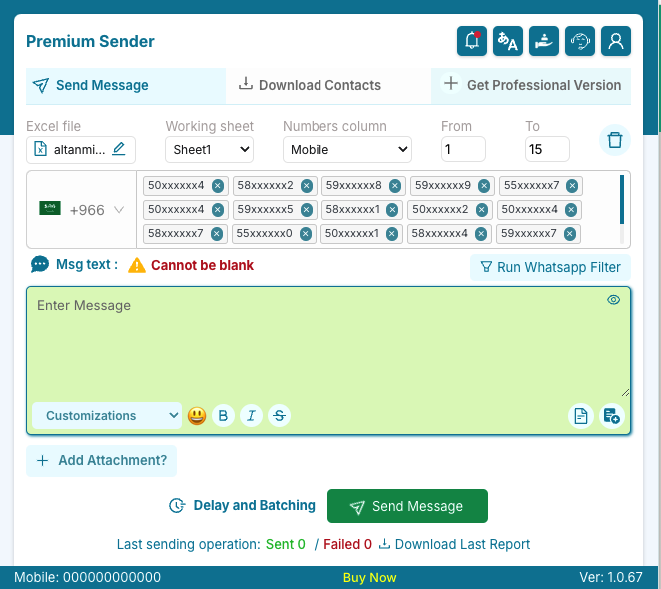
Easily send personalized messages to your customers with our powerful extension. More than 200,000 users worldwide trust Premium Sender.
This extension is not meant for spamming.
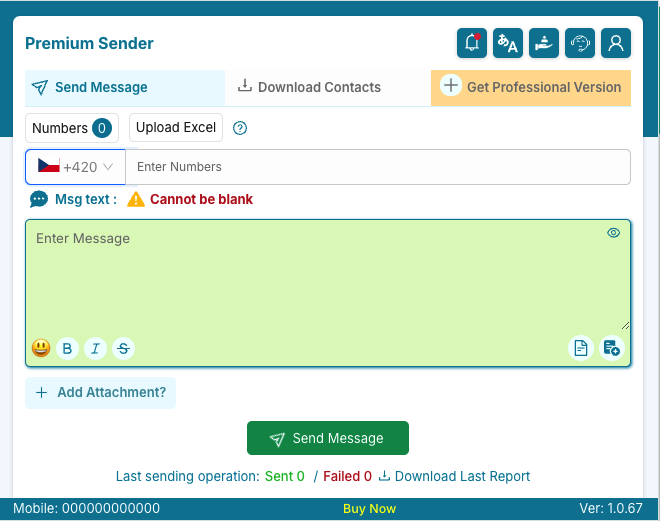
PremiumSender supercharges your messaging capabilities to help you instantly connect with your subscribers. Experience seamless communication with our user-friendly and powerful bulk messaging extension.
Upload your contact numbers directly by uploading a CSV File
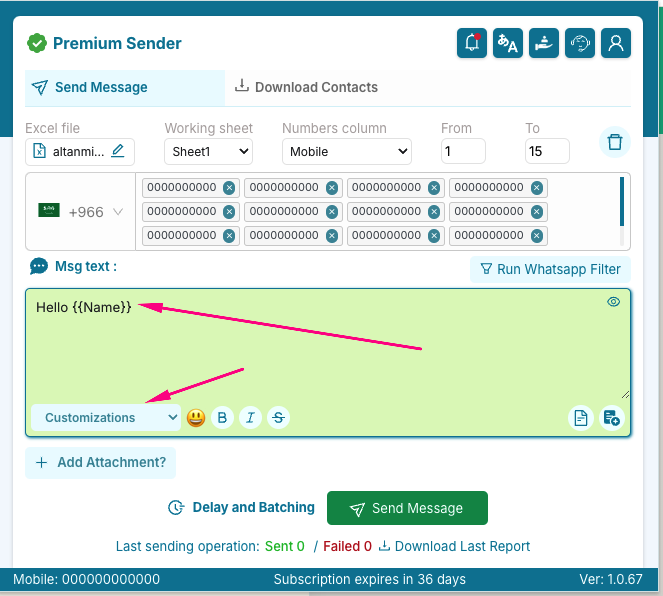
Create personalized messages with dynamic variables
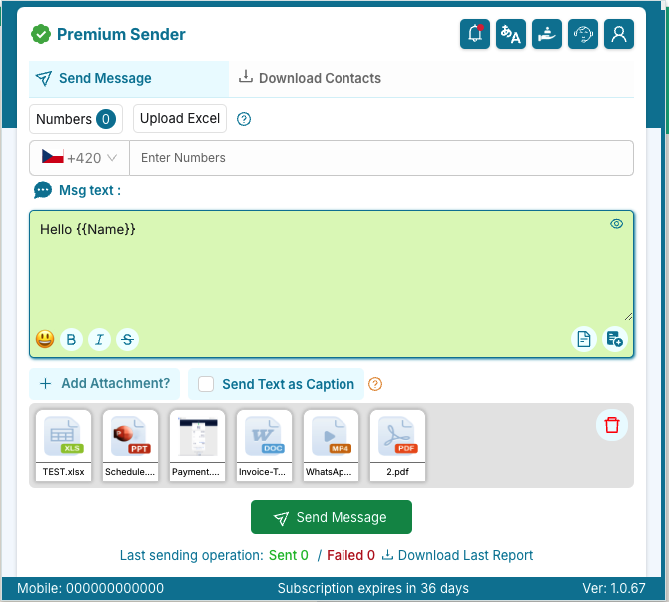
Send messages with delays and batching. Also you can send multiple attachments.
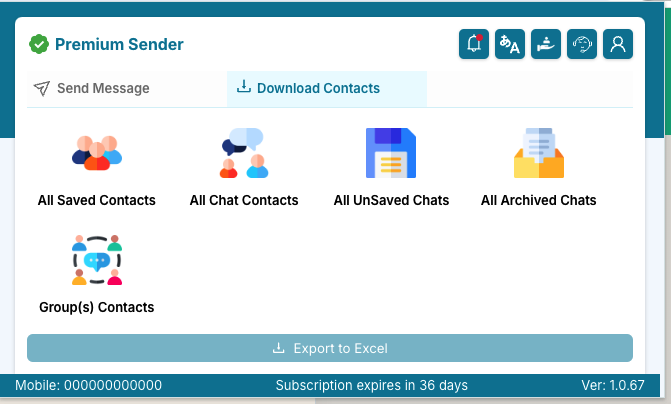
Export saved unsaved contacts, Group and labels contacts.
We work around the clock to assist you. Drop us a message any time, and one of us will be happy to get back to you quickly!
Start free and upgrade whenever you need number filtering, sending delays and attachments.
Perfect for trying out
No payment needed
What's included
Great for short-term needs
Billed every month
Everything in Free, plus:
Ideal for medium-term projects
Just ₹233 per month Just $6.33 per month
Everything in Free, plus:
Best value for long-term use
Just ₹208 per month Just $4.08 per month
Everything in Free, plus:
*We do not cap how many messages you send. Your messaging platform may apply its own usage limits.
Send single or multiple customizable messages to your customers


Cannot find answers here? Contact us at our Support
Premium Sender is an advanced tool that enhances messaging with features like bulk sending, personalized messages, and detailed report for better communication management.
1. Go to the Chrome Web Store (or your browser's extension store).
2. Search for "Premium Sender."
3. Click "Add to Chrome" (or "Add to [Browser]").
4. Confirm the installation by clicking "Add Extension."
- Bulk Sending: Send messages to multiple recipients at once.
- Personalized Messaging: Customize messages with recipient-specific information.
- Advanced Analytics: Track message delivery, Filter numbers.
- Template Management: Create, save, and reuse message templates.
Yes, Premium Sender allows you to send messages to multiple recipients at once. Simply add the recipient details in the message sending section and compose your message.
1. Open the Premium Sender extension.
2. Upload the excel with personalized data (Name, Email, etc.).
3. Select fields you want to customize from customizations dropdown on bottom left cornet of the enter message section.
4. The extension will automatically replace the placeholders with the respective recipient information.
1. Open the Premium Sender extension.
2. Go to the "Reports" section on bottom of the extension.
3. It will download the report in excel format.
Yes, you can create, save, and reuse message templates in the Premium Sender extension. This feature helps you save time by reusing commonly sent messages.